

Collect Contact Details in an Anonymous Survey
How to collect contact details in an anonymous survey without linking them to answers. Ideal for prize draws and follow-ups.
Blog
Guides, tips and news from Research Automators.
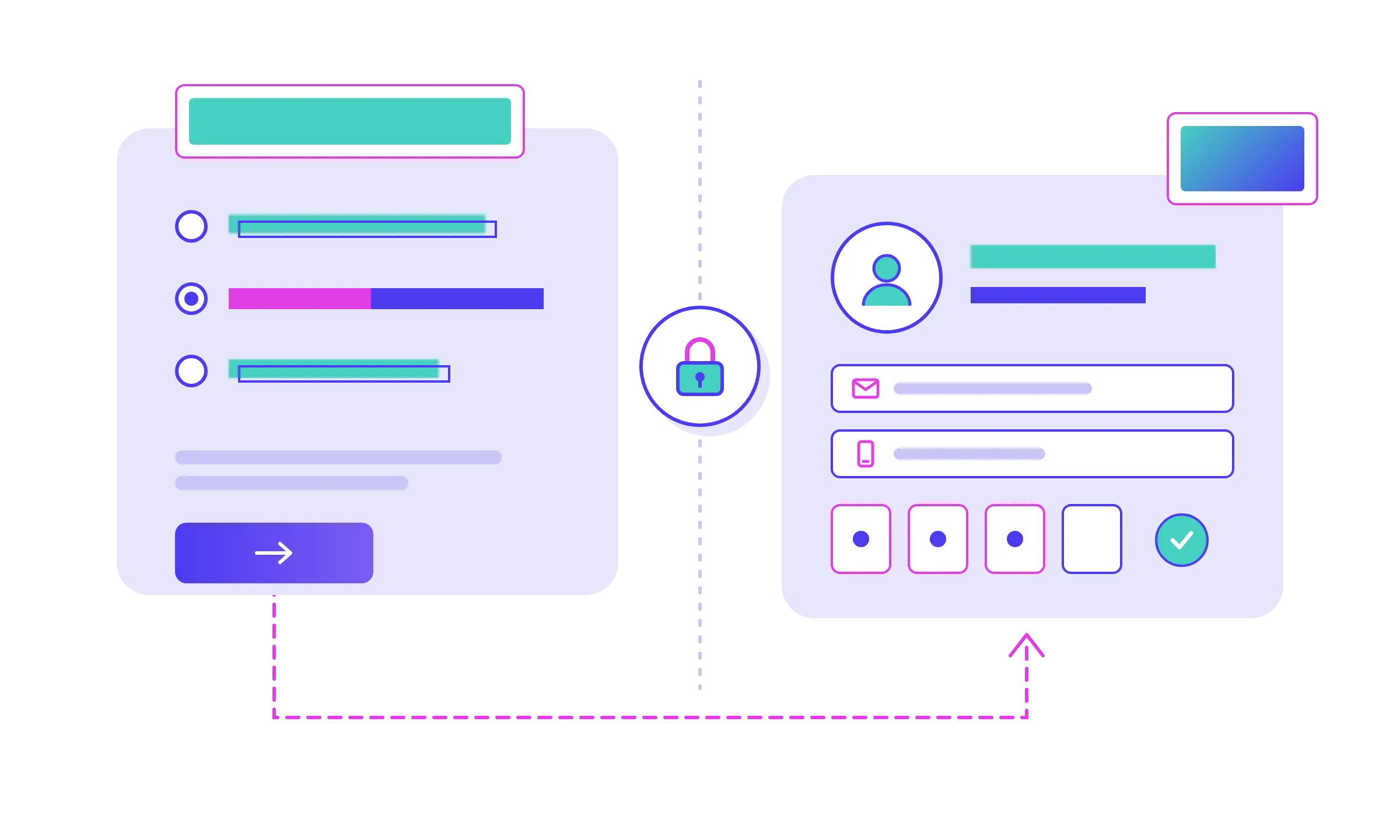
How to collect contact details in an anonymous survey without linking them to answers. Ideal for prize draws and follow-ups.
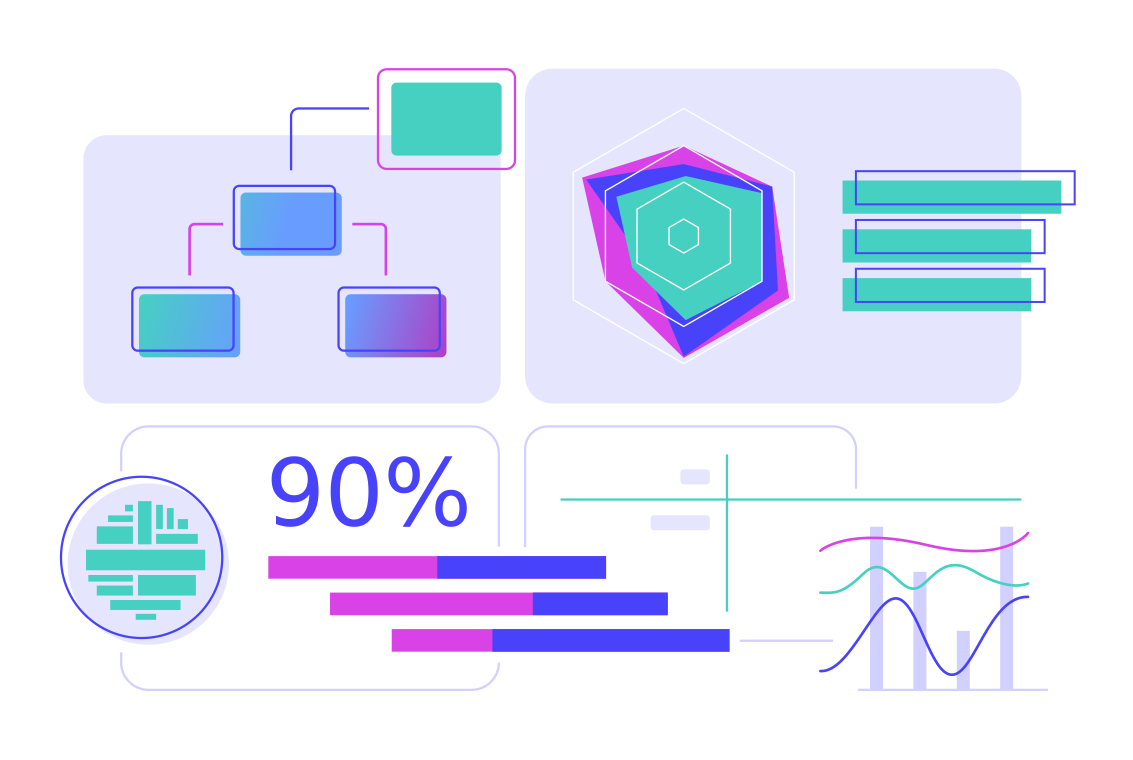
How significance testing works in survey data: what's tested, how results are shown, and what the markers actually claim.

What's included in Survey Automator report-only onboarding? Branded PowerPoint templates, visualisation rules and Excel cross-tabs

Survey panel integration means redirect links, a respondent ID, and sometimes link parameters. Here's how each piece actually works.

Build on a proven survey platform instead of starting from scratch, with a perpetual license, source code access and the option to self-host.

Explore our Perpetual Platform License - pay once, use the survey platform indefinitely, self-host and access the source code.
Ending fieldwork isn't the end of the process. Here's what actually happens once a survey closes, and how to handle anonymization properly from there.
Grouped rows in Excel export? That's Excel's own Group and Outline feature. Here's what the +/- and 1/2/3 controls do, and how to remove them.
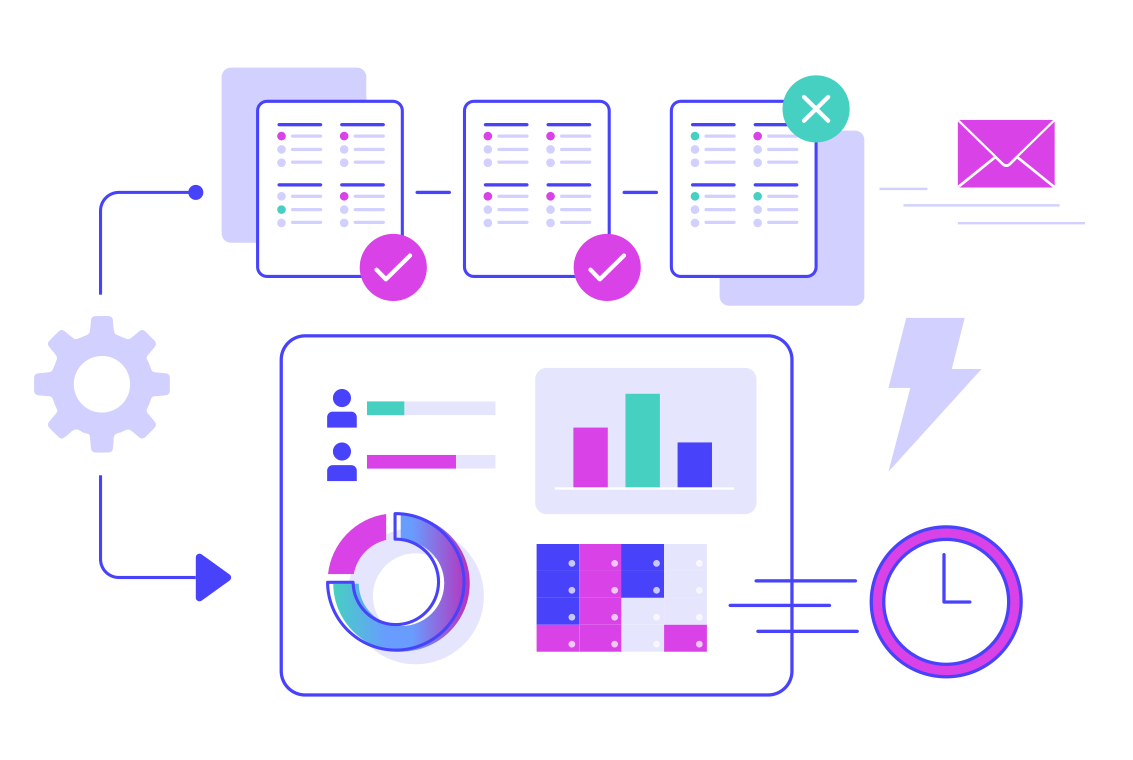
Learn how to create a crosstab step by step: switch to table view, set your datatype, add breakdown variables, and let the report build the rest.
Automated survey reminders should skip anyone who's already responded. Here's how to set them up, schedule them, and keep sends safe.
Learn how to group survey questions and variables using Groups: organize once, then export or share just the section you need.
Use the survey-automator skill to turn survey templates with conditions, redirects, and completion text into working surveys.

Use the survey-automator skill to turn notes, templates, or questionnaires into an import-ready survey for Research Automators.
Automated survey distribution lets you add participants continuously, automate sends, and track results with real-time reporting.
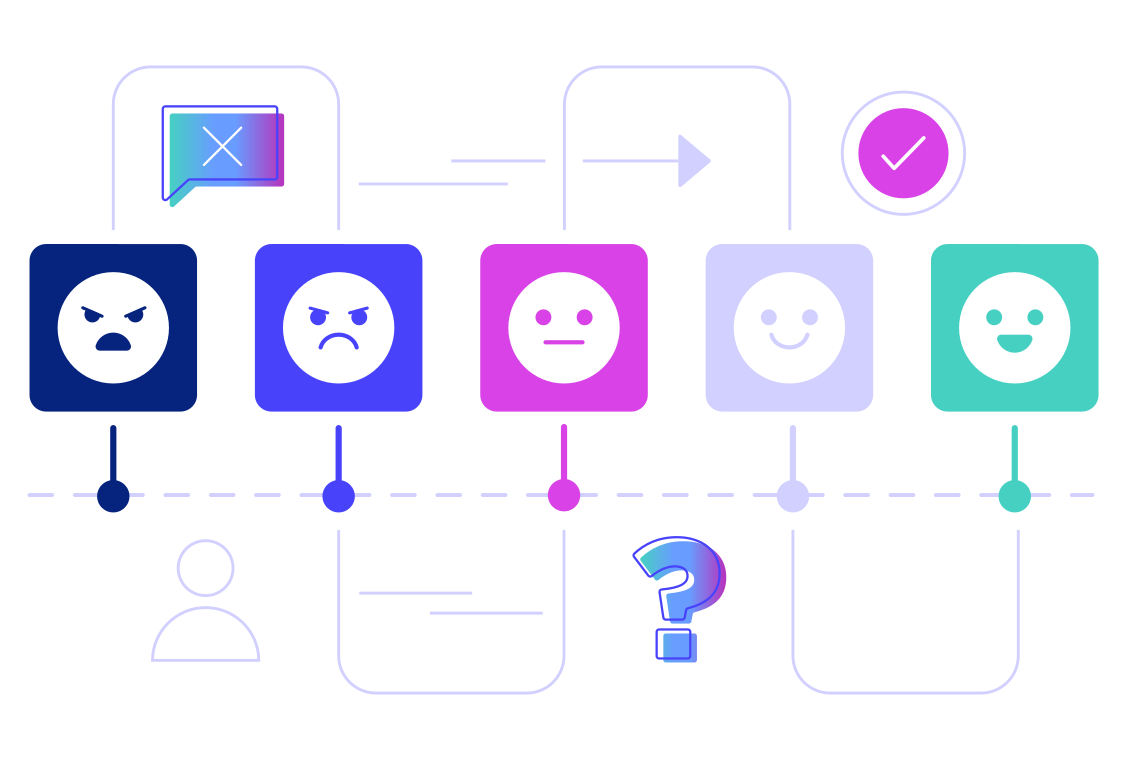
Automatic email sends in Survey Automator explained: how batches, reminders, scheduling, and statuses work in practice.
Looking for an EU based survey tool? See what to check for GDPR, data handling, EU hosting, and why teams choose Survey Automator.

Learn what to consider before reporting survey results, including response inclusion, weighting, segments, comparisons, and report structure.
Learn about onboarding for new Survey Automator platform users.
Learn how to set up a Consideration to Preference brand funnel in surveys using conditions and calculations. Includes ready-to-use question templates, routing rules, and how-to steps.

Weighting is a method to improve survey analysis when some groups have too many or too few responses. Here is how to manage weights in Survey Automator.
Build surveys faster from Word/Excel specs with bulk answer pasting, Client ID extraction, easy conditions, list mode, shortcuts, and imports.
Learn how segmentation by merging helps you group answer options into clear segments for dashboards and PowerPoint reports.
Minimum base size for survey segmentation keeps breakdowns stable. Learn practical thresholds, when to merge groups, and how to warn users.
Reshape repeated-question data into one row per object and participant using looped export (and optional import), so you can report on products, providers, events, or other objects.
Learn how to handle small bases in survey analysis. Know when to merge, rework, or redesign variables to avoid misleading results.
Split the same report into segmented views by filtering or breaking down on a question, then share results via the Dashboard or a client link.
Create multiple reports at once using your chosen structure. Generate one report per group automatically and set a minimum response threshold for clean reporting.
Use period variables to group responses into waves like month, week, or quarter, then filter or break down results to compare changes over time in one report.
Numeric question segmentation groups any number into ranges for cleaner cross tabs and PPT exports. Watch the video and copy the exact steps.
Learn how dynamic text in PowerPoint reports helps you personalize and automate slides using smart bookmarks. Faster, consistent reporting.

Take part of our prompts and a quick summary about the presentation we held at ASC 2025 - Beyond the Hype .
Paste a survey from the clipboard and let AI build it automatically. Fast import, clean structure, and easy fine-tuning.
Learn what a category hierarchy is, how it works in Survey Automator, and why a top it's essential for multi-level reporting.
Automated ad hoc survey reports remove manual setup. Learn how rule-based reporting automates one-off survey decks in PowerPoint fast.
Weighting survey data balances uneven samples to reflect the real population. Learn why it matters and how it improves research accuracy.
Page-by-page reporting requires manual setup for every deck. Rule-based reporting generates complete reports automatically for any survey.
A multi-level report saves time but still needs manual setup. Rule-based reporting goes further: building reports dynamically.
Use a customer satisfaction report template to present survey results clearly. Export branded PowerPoint reports directly automatically.
Survey data analysis software now includes AI insights. Automate reports with commentary directly in dashboards, and PowerPoint slides.
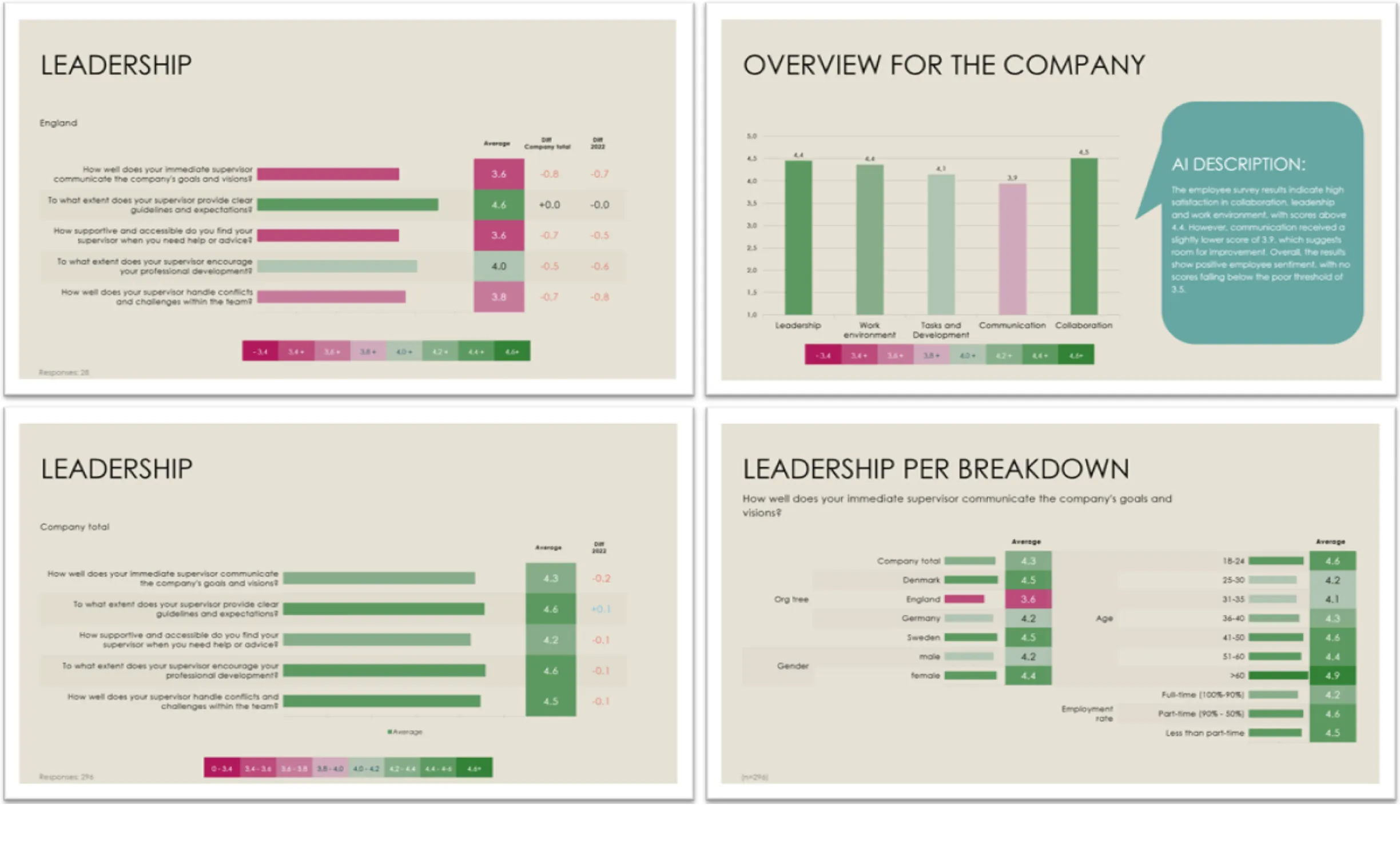
Use an employee report template to turn HR and satisfaction survey results into clear, ready-to-share PowerPoint slides.
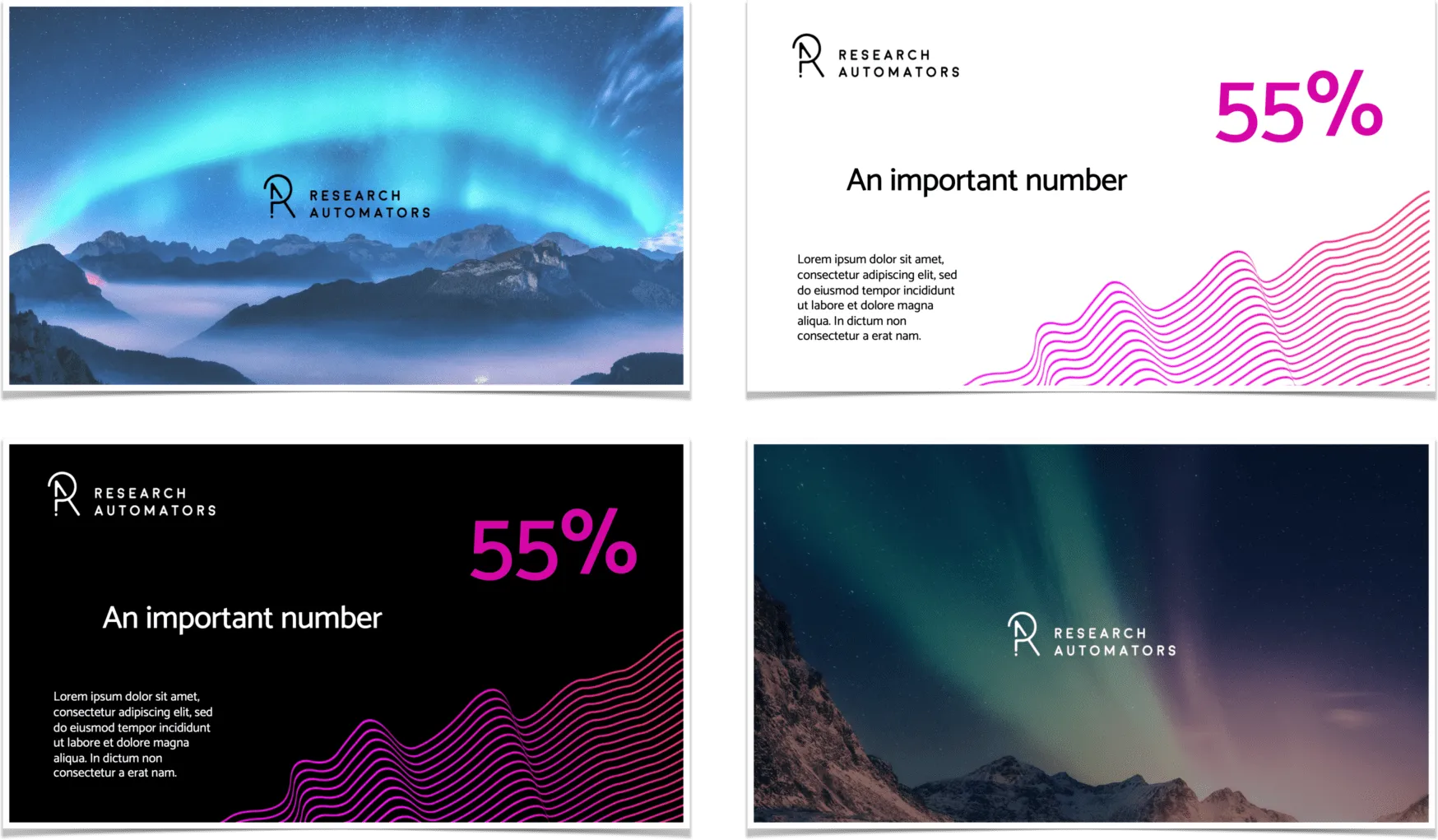
A market research report template helps teams present survey results clearly and consistently. Learn how to save time with pre-made formats.
Explore the main automated research advantages, from speed to scalability, and learn how custom workflows save time without losing quality.
Explore how AI in research improves speed, accuracy, and scalability. Learn practical applications that help teams deliver better insights.
AI research benefits include speed, accuracy, and deeper insights. Learn how automation tools help researchers deliver results faster.
Learn how to automatically export survey results to Excel and PowerPoint with consistent formatting every time.
Learn how to use a market research report template to organize data, visualize trends, and present insights in PowerPoint with clarity.
AI survey analysis turns raw responses into clear insights faster. Learn how AI uncovers patterns and narratives you might miss manually.
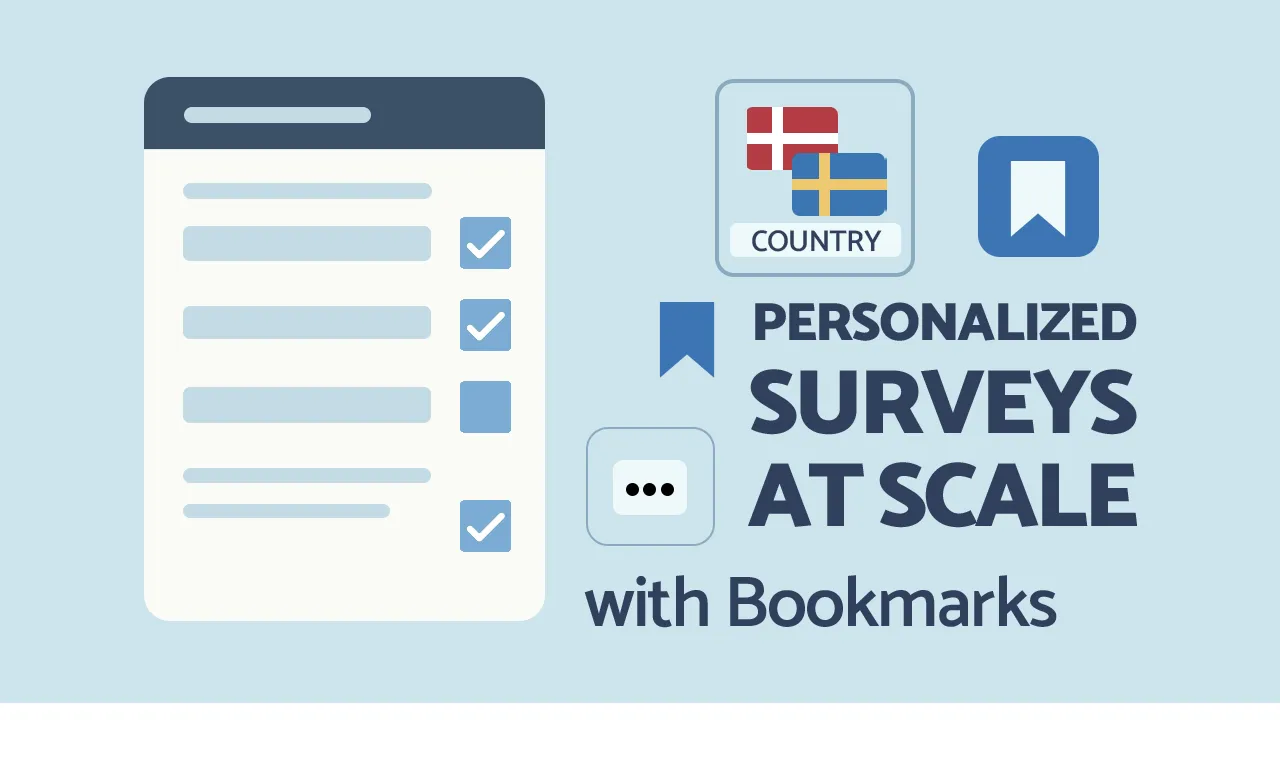
Learn how to create personalized surveys using bookmarks in Survey Automator. Customize questions and reports by brand, market, or language
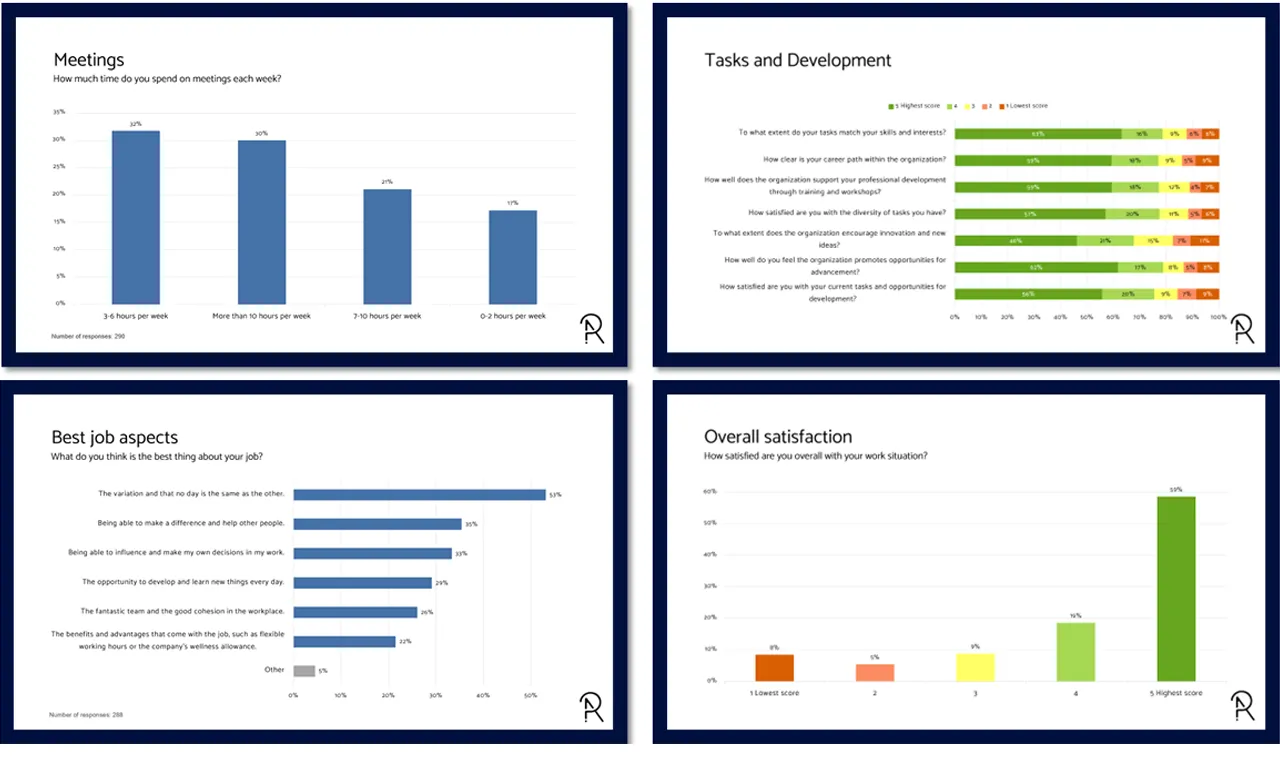
AI report translation made easy. Translate dashboards, PowerPoint, and Excel reports into any language with consistent formatting and speed.
Field‑level permissions for survey data privacy—keep PII secure while teams collaborate on dashboards, segments, and exports.
Use Survey Automator to organize survey response data by segment. Spot trends, compare results, and make smarter, faster decisions.

Organizing survey response data is simple with Survey Automator. Hide, rename, and export only the responses you need, no extra steps.
Smooth collaboration between market research / fieldwork agencies and their clients is crucial. Read how it could work.

4 tips to consider when creating your Employee Survey PowerPoint Reports. Examples of questions to answer. Charts and table templates.
Struggling to maintain profitability in your market research agency? Review your workflows for surveys and reporting.
Learn how to streamline PowerPoint chart creation from Excel cross tabs. Elevate your market research reporting today!
Learn how to streamline PowerPoint chart creation from SPSS survey data. Elevate your market research reporting today!
Save time when designing your survey and analysing the results with these 6 tips on how to get help from AI!
Cross-tabulation is a tool that helps you transform complex data into digestible insights. Discover the significant benefits of cross-tabulation in your data analysis and how it can help your decision-making process. Data is everywhere, but understanding it can be challenging. Cross-tabulation is here to help. It’s a method that makes data easier to read and…
Are you still manually creating indices, T2B, 0-100, NPS, correlation, weighting and charts? Read this article!
Open-ended questions: What are the advantages & disadvantages, and why should you choose open-ended questions?
5 Tips for Creating Good PowerPoint Reports / Slide decks for Survey Studies.

Research Automators was founded in 2002, but its history began a decade earlier. The company’s founder, Sten Ortman, started a company in Estonia to find more skilled programmers since they were challenging to find in Sweden. From developing a system for interpreting and scanning paper surveys in 1997, support for managing online surveys was already…
Collecting data by asking participant organisations to provide statistics via web forms or Excel files? Here is a more efficient method!
Why automate survey reporting processes? Prepare a report during fieldwork - generate report with a click when fieldwork ends.
When conducting surveys that measure the attitude of a target audience, it is common to use the Likert scale. But what are the drawbacks of this method?