

Survey report
AI descriptions report template
A PowerPoint template for analysts who want to add descriptions and insights to each chart – sped up with AI-generated text suggestions.
- Dedicated space for commentary and interpretation
- Draft texts pre-filled by AI, based on your data and chart structure
- Analysts can edit, expand or rewrite the AI suggestions freely
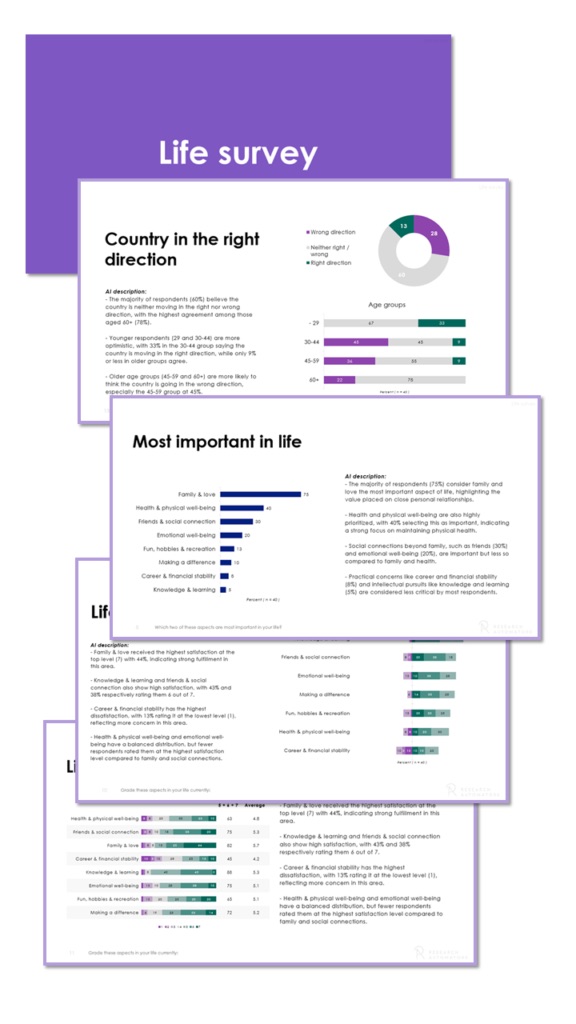
The report structure
How the report is built
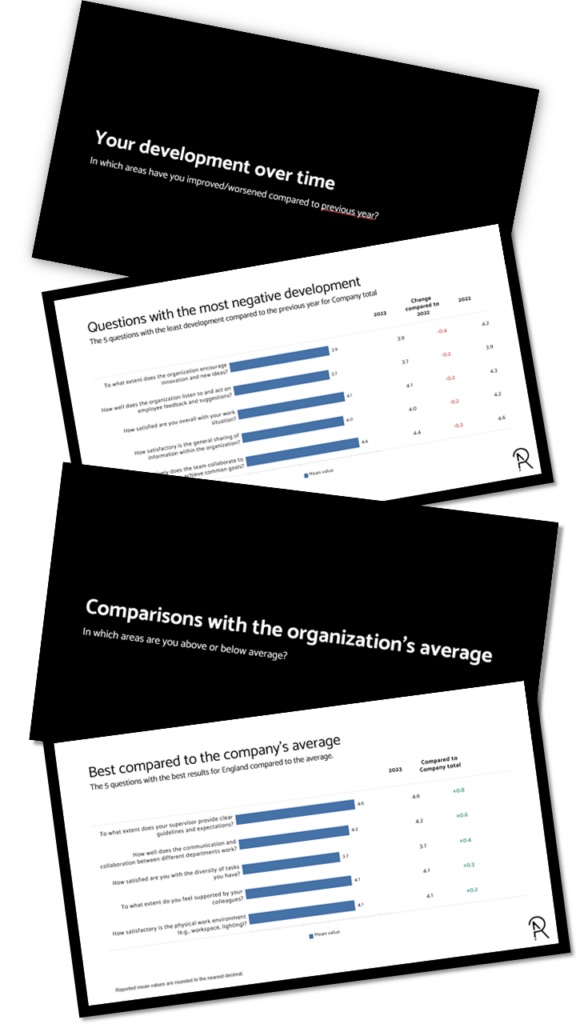
Every slide has dedicated space for commentary and interpretation, and each text area is pre-filled with AI-generated analysis.
Intro
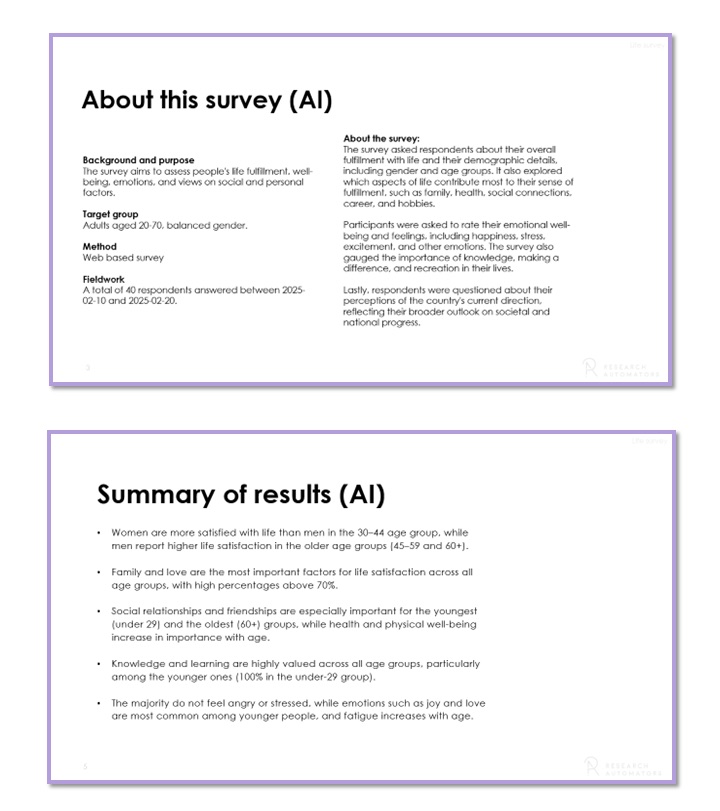
Intro
- About the survey – A page with AI-generated text based on the survey questions.
- Summary – An AI-generated summary of the most important findings.
Segmentation variables
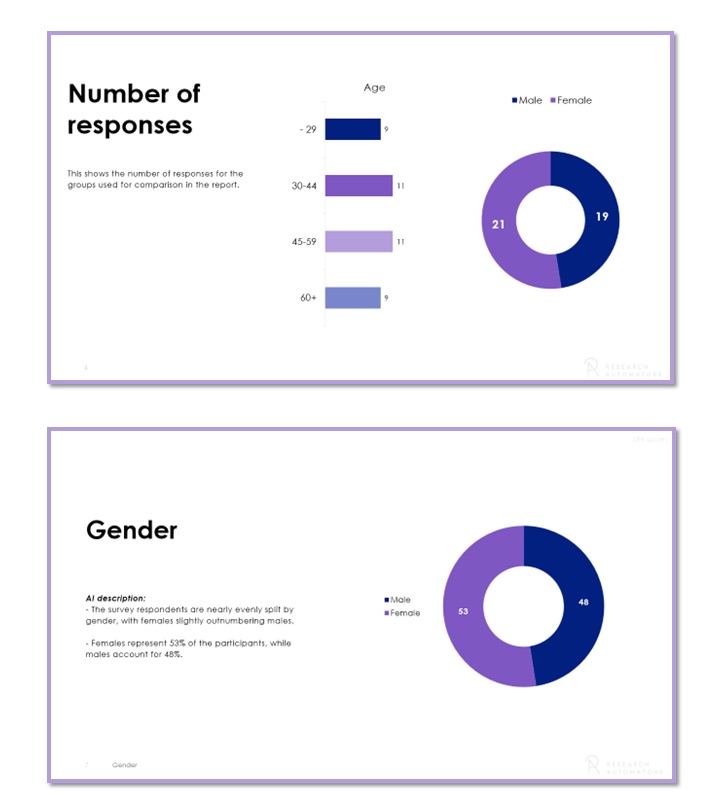
Segmentation variables
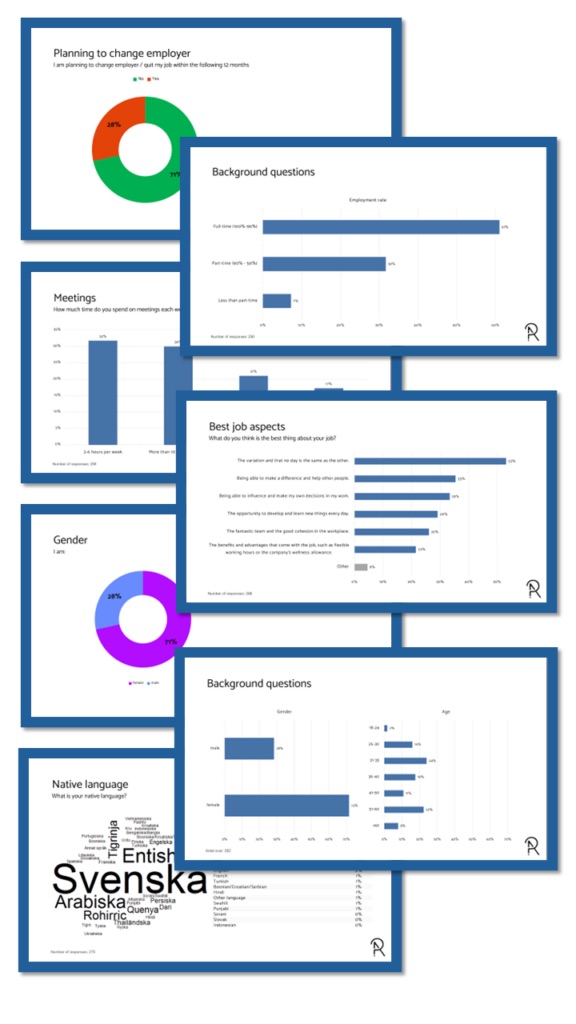
- Segments are presented first – Background variables like age and gender, used in the subgroup comparisons later in the report.
- Number of responses and % – Both actual numbers and percentages are shown.
Charts per question & segment
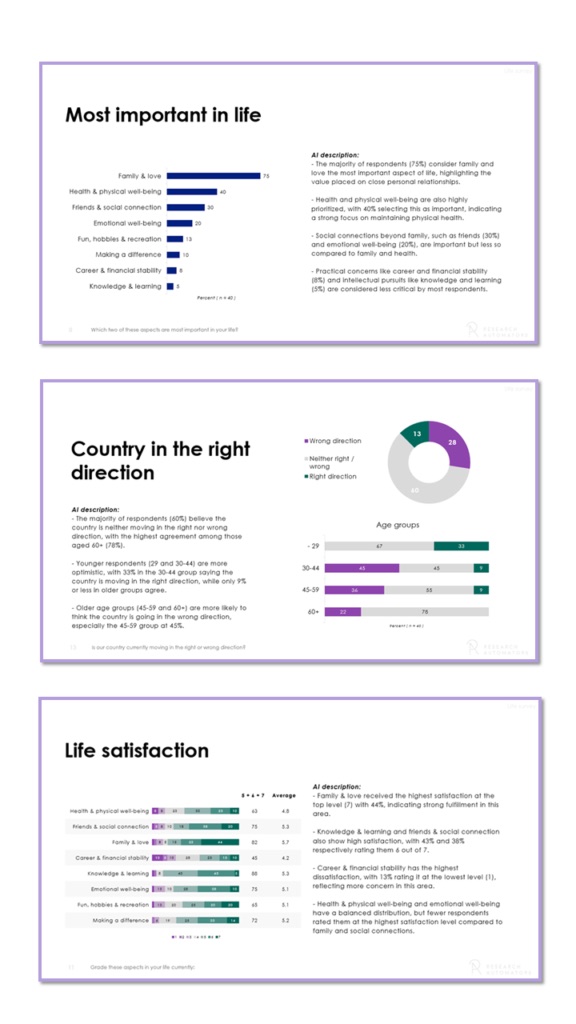
Charts per question & segment
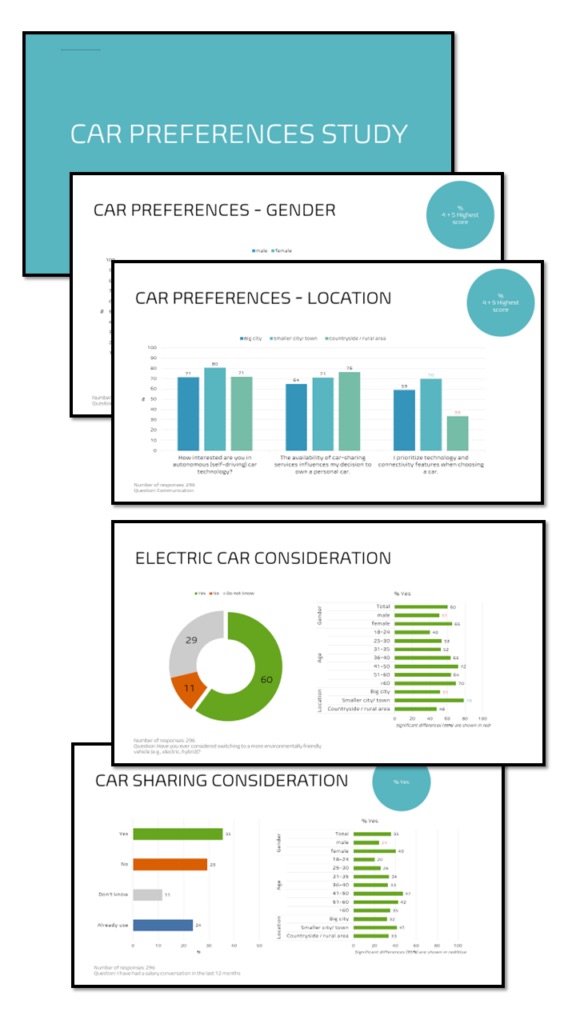
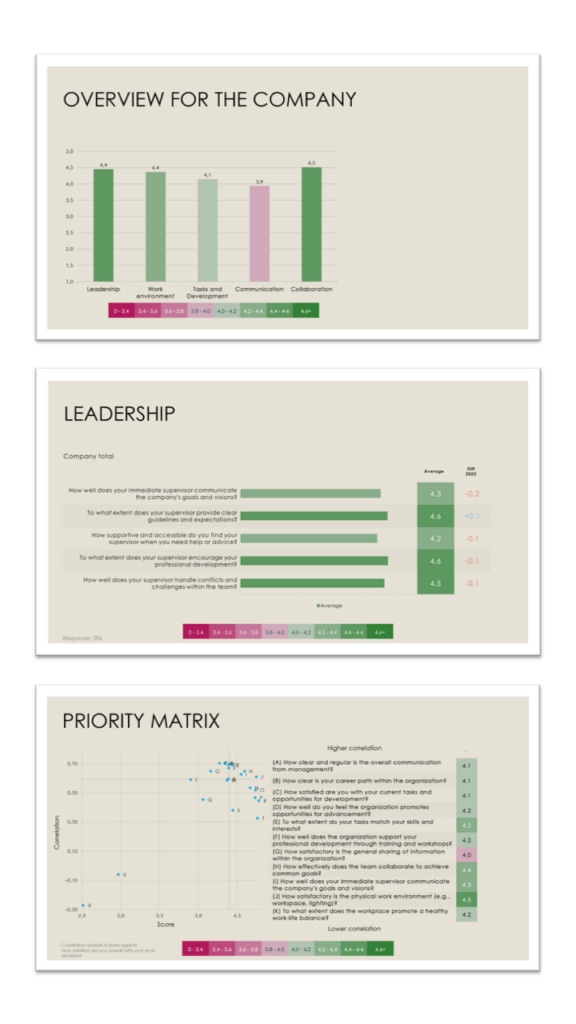
Each survey question gets its own page, followed by the responses broken down by selected segments such as age and gender.
- Visualisation rules applied – Chart types are chosen automatically from the question format and the number of subgroups being compared.
- A commentary section on every page… – Each page has a designated area for descriptive text, commentary and key insights.
- …with AI drafts to speed it up – Every page has AI-generated insights based on the chart data, which analysts can edit, expand or rewrite.
Verbatim / open-ends
Verbatim / open-ends
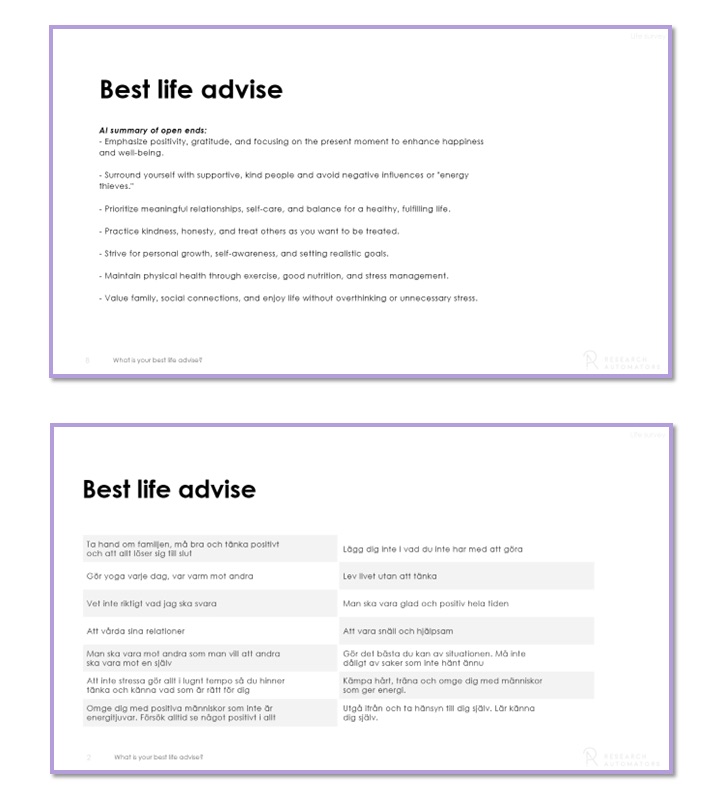
Open-ended responses are included in the PowerPoint report too, presented in one of two ways depending on the amount of data.
- Summarised by AI… – With many open-ended responses to a question, OpenAI summarises them.
- …or presented as is – If the verbatims fit on at most two PowerPoint pages, they are shown comment by comment.
Automate your PowerPoint reports
Get this report from your own data
This is how you can try the platform:
1 File
Upload your data
Contact us to receive your login, where you can securely upload your SPSS data file (.sav).
2 Preview your report
Web meeting
We produce a report from your data set and present it to you in a web meeting. No costs apply.
Want to download the report? Get a license to the Survey Automator platform!

3 License
Platform pricing
Pricing for the “reporting-only” platform starts from:
250 € / month
- 20,000 data rows/ year
- Unlimited number of projects
- 1 user

4 Download
Download your reports
You get access to the platform and can create new reports whenever you like:
- Change or shorten question texts
- Upload new data sets
- Select new breakdown variables
- Update your reports

Want to know more before deciding?
Get a free preview of this report from your own data set, or ask us anything.