

Employee survey report
Coloured averages report template
Compare your scores at a glance – the colours of charts and tables are based on the averages.
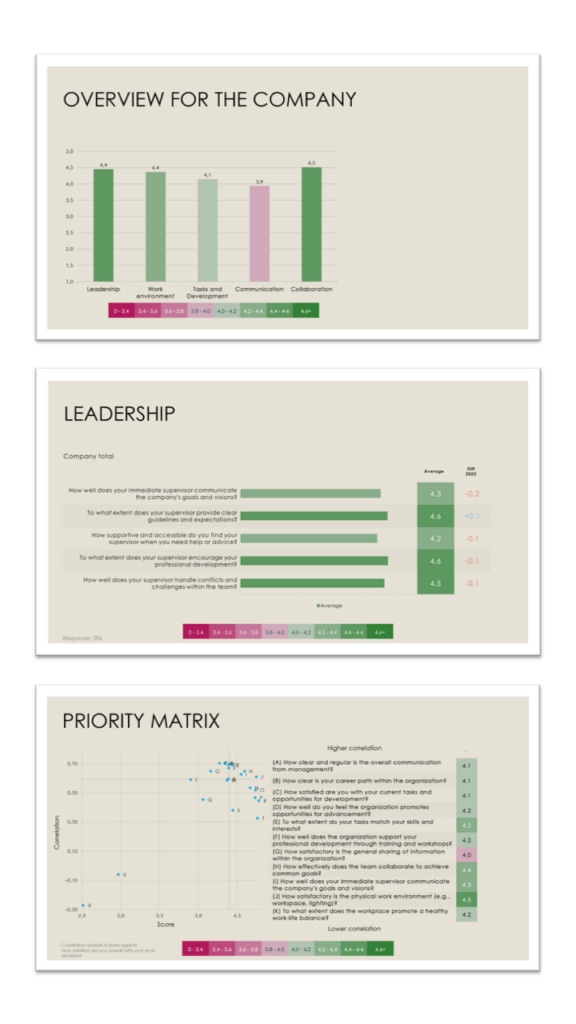
The report structure
How the report is built
The employee survey report comes in two versions: a total report with the results for the whole organisation and subgroup comparisons, and slimmer department / manager reports.
In all reports
In all reports
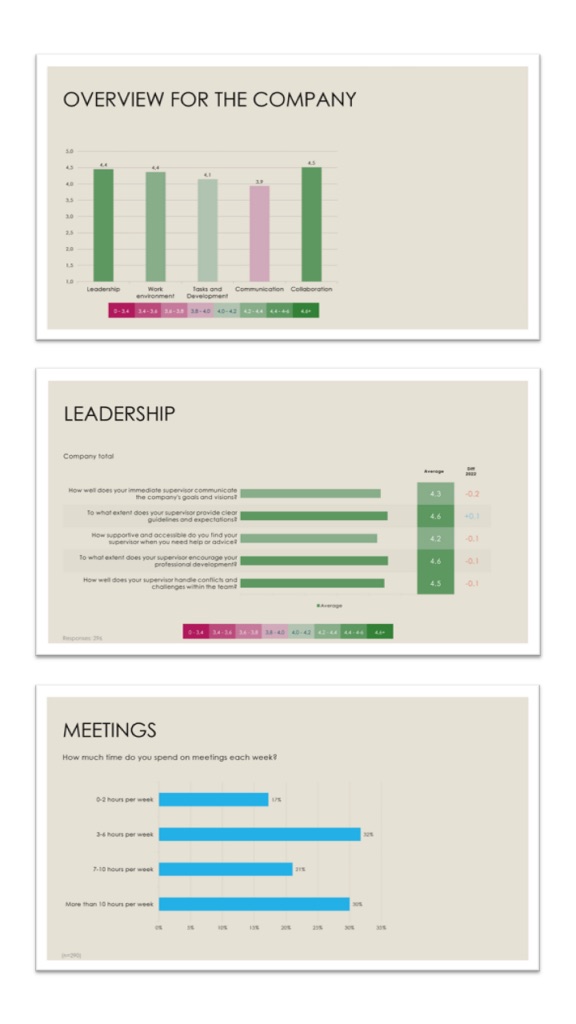
All reports show the average of each scale question, coloured by score: darker green for a higher average, red for a lower one.
- Question area indexes – Shown at the beginning of the report.
- One section per question area – The report is structured into a section for each question area.
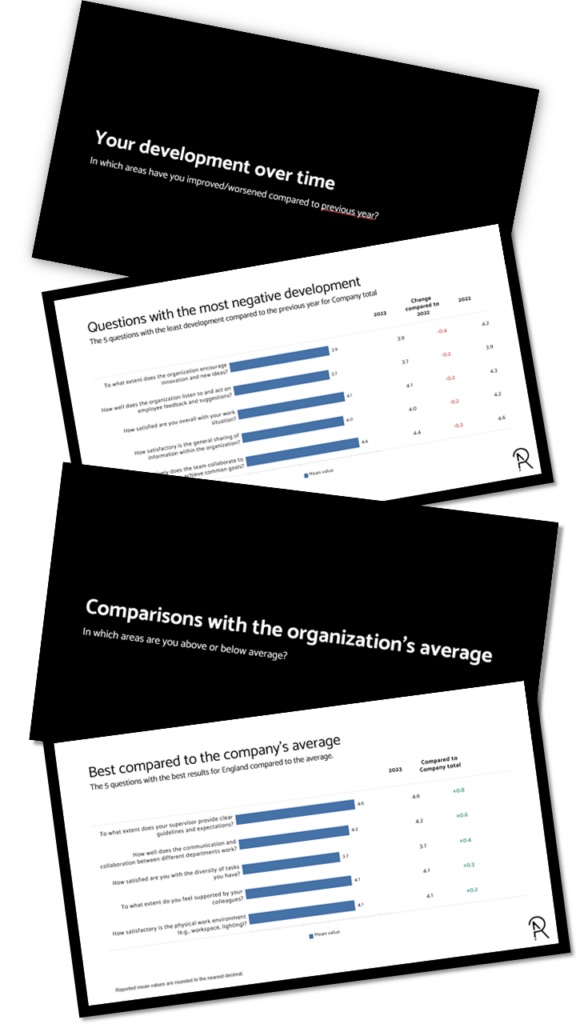
- Differences compared to the previous study – Instead of last time’s values, we show the change – red for a decline, green for an improvement.
Manager / department reports
Manager / department reports
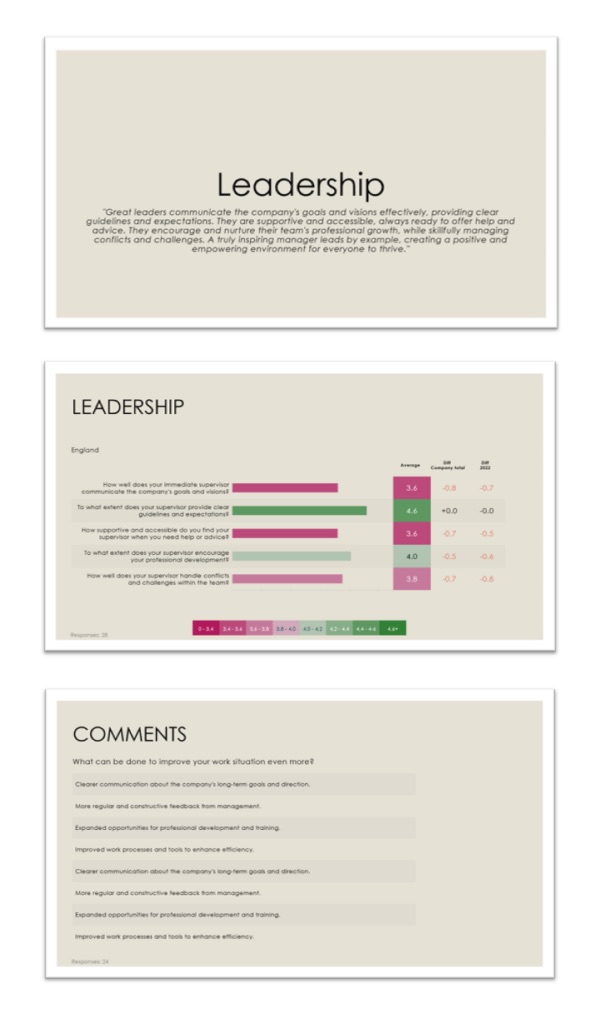
For each question area, the pages show:
- Comparison with the previous study – The difference from the previous study, for every question.
- Comparison with the company total – The difference from the company total, for every question.
- Open ends / comments – All open-ended comments are included in manager and department reports.
Total report
Total report
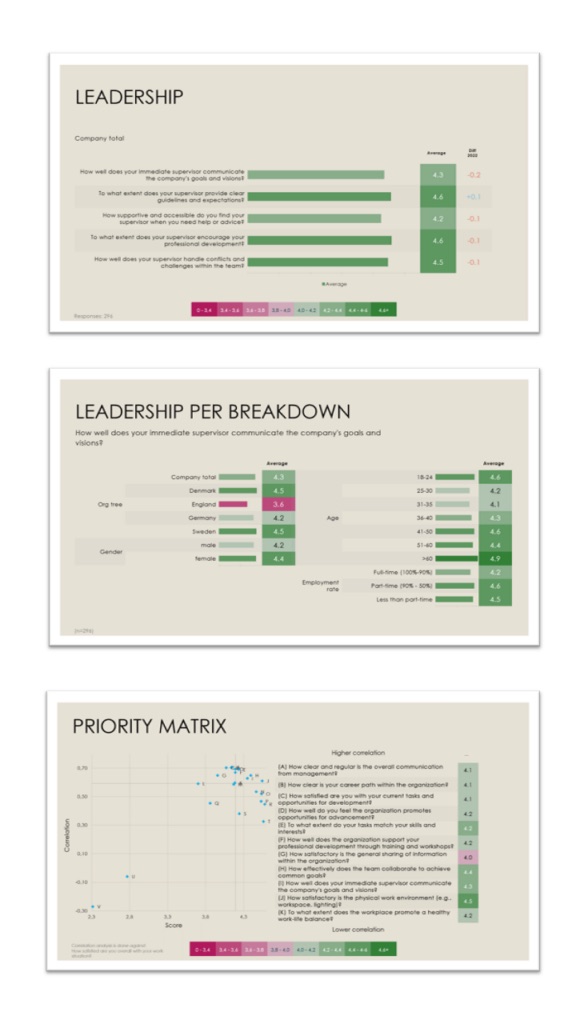
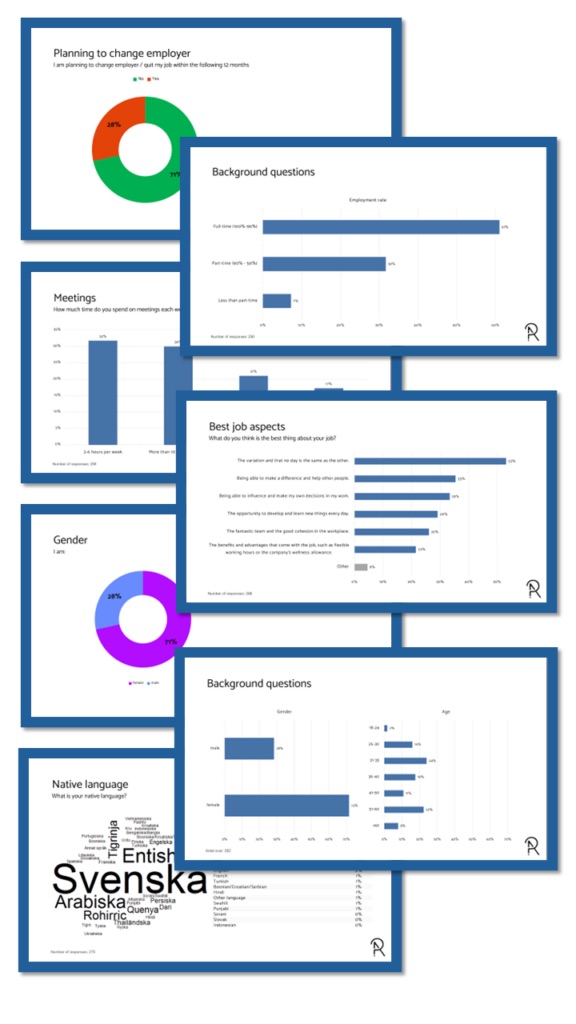
The total report – and reports at other aggregated levels like country, region or business area – also include breakdowns such as gender and age, and a priority matrix:
- Comparing departments / managers – Compare every department’s or manager’s score on each question.
- Comparing breakdown variables – Are there differences between age groups, genders and other important breakdowns?
- Priority matrix – Shows the questions that correlate most with overall satisfaction.
Automate your PowerPoint reports
Get this report from your own data
This is how you can try the platform:
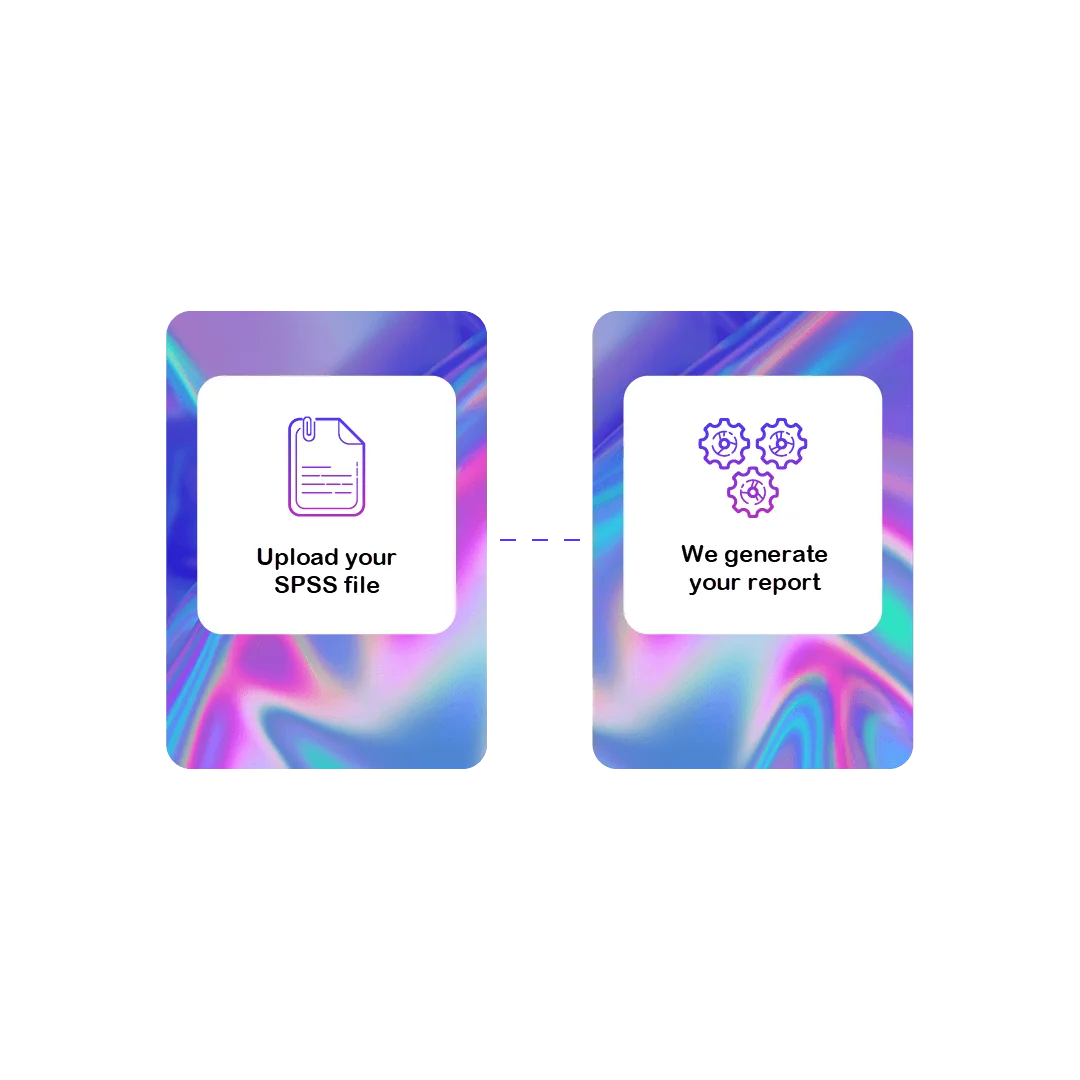
1 File
Upload your data
Contact us to receive your login, where you can securely upload your SPSS data file (.sav).
2 Preview your report
Web meeting
We produce a report from your data set and present it to you in a web meeting. No costs apply.
Want to download the report? Get a license to the Survey Automator platform!

3 License
Platform pricing
Pricing for the “reporting-only” platform starts from:
250 € / month
- 20,000 data rows/ year
- Unlimited number of projects
- 1 user

4 Download
Download your reports
You get access to the platform and can create new reports whenever you like:
- Change or shorten question texts
- Upload new data sets
- Select new breakdown variables
- Update your reports
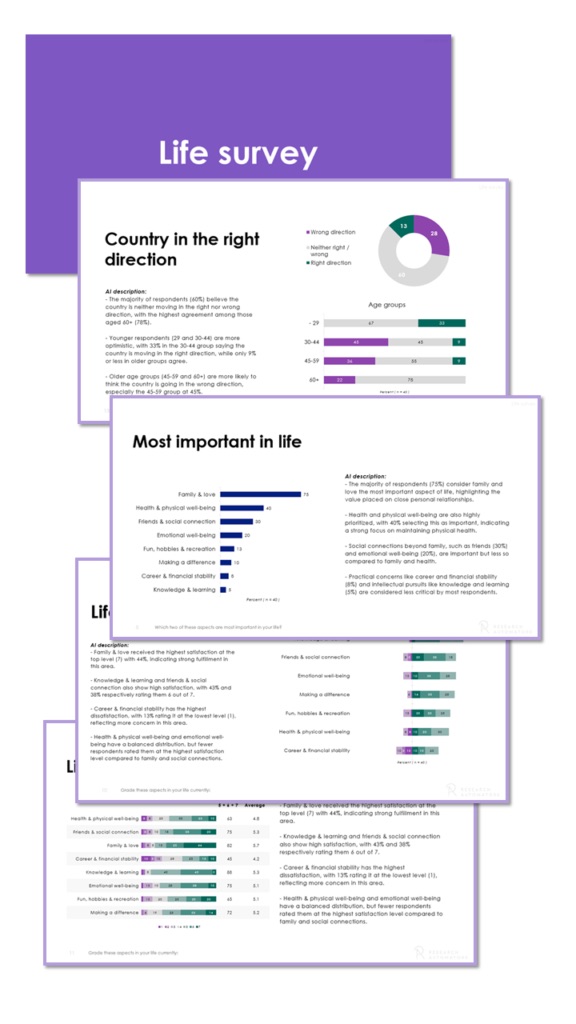
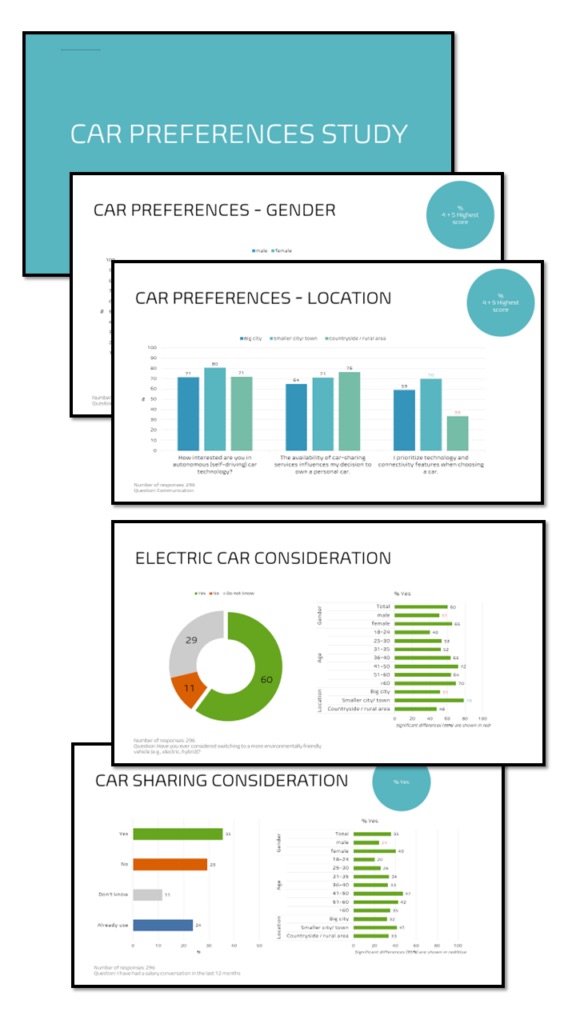

Want to know more before deciding?
Get a free preview of this report from your own data set, or ask us anything.