

Basic survey report
Percentages report template
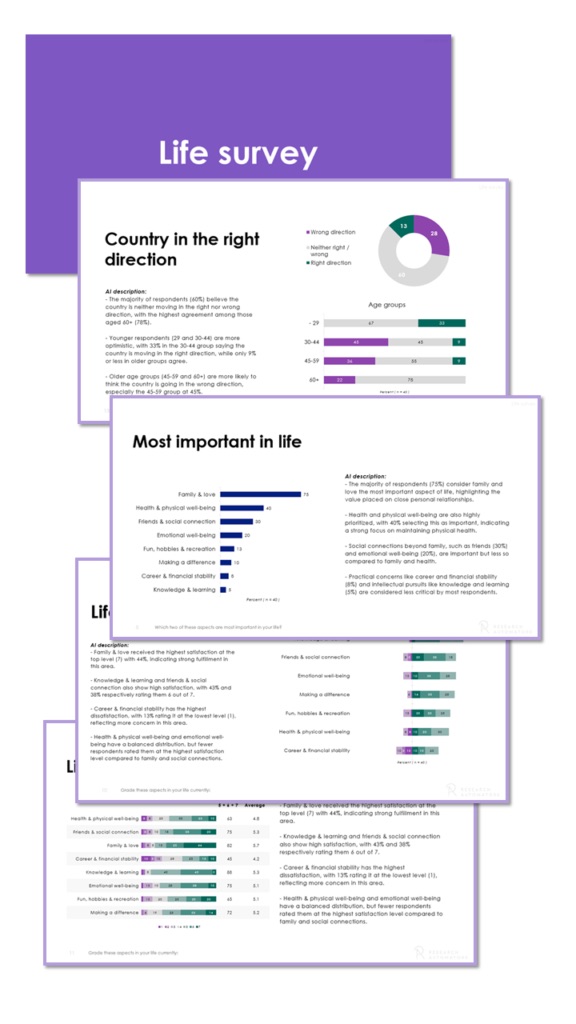
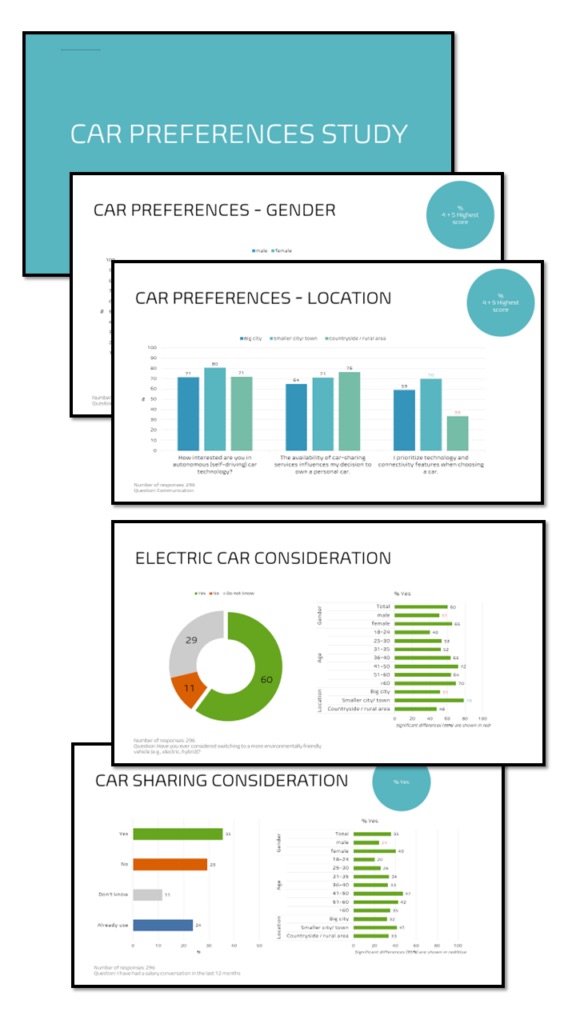
A basic PowerPoint report showing the percentage distribution of every survey question – a mix of pie, column and bar charts and answer clouds, with the chart type chosen by visualisation best practice. Open ends are included too.
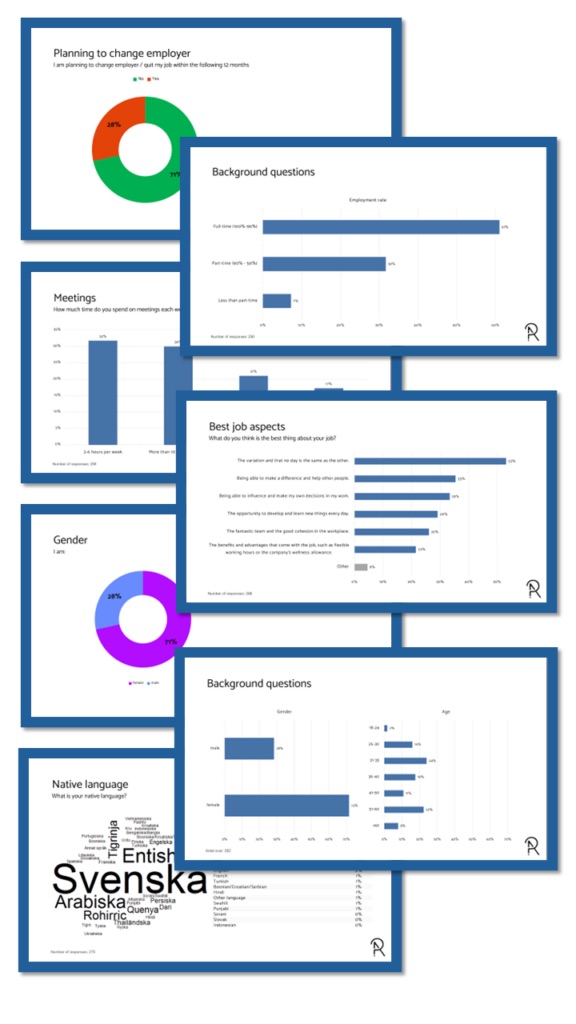
The report structure
How the report is built
The report presents your survey’s questions in the same order as in your data file.
It always shows the aggregated results, with no subgroup comparisons in the total report. You can order subgroup reports (such as country or region) with exactly the same structure, but filtered data.
Scale questions
Scale questions
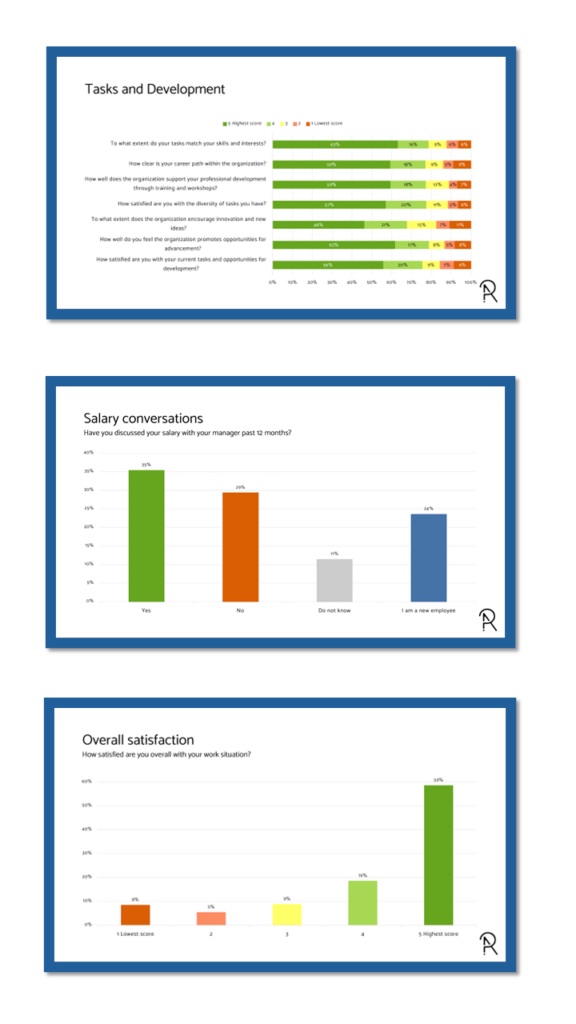
- Grid questions are grouped together… – Questions from the same grid in your survey are presented together on one page…
- …and shown in stacked bar charts – with the most positive answer alternative to the left.
- Single scale questions in column charts – Scale questions that aren’t part of a grid get a column chart – one question and chart per page.
Non-scale questions
Non-scale questions
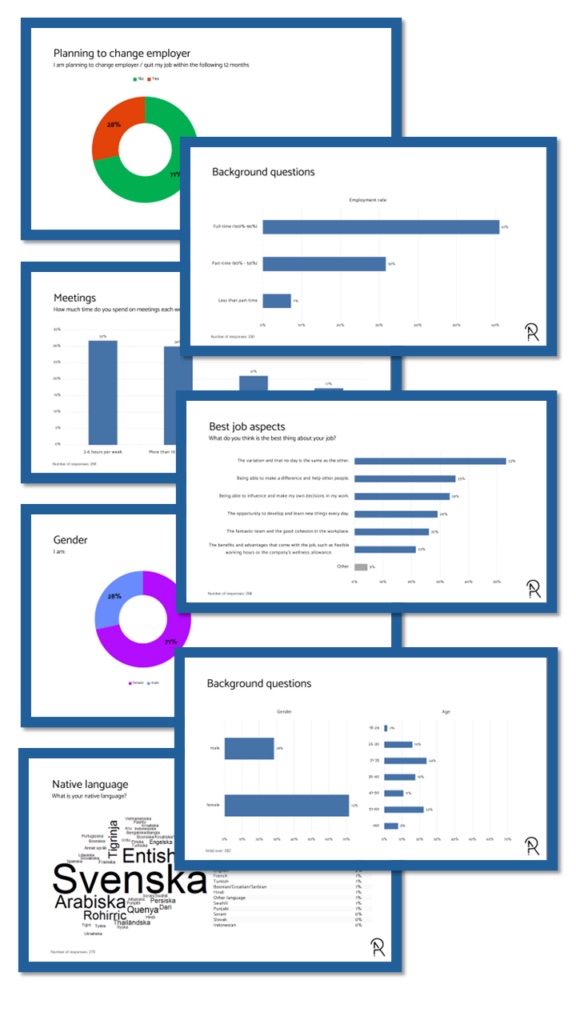
Non-scale questions are visualised differently depending on the number of answer alternatives.
- Pie charts – For 2–3 answer alternatives.
- Column charts – For 4–5 answer alternatives.
- Bar charts – For 6–20 answer alternatives.
- Answer cloud & top list – For more than 20 alternatives: an answer cloud and a sorted top-20 list.
Non-scale questions
Non-scale questions
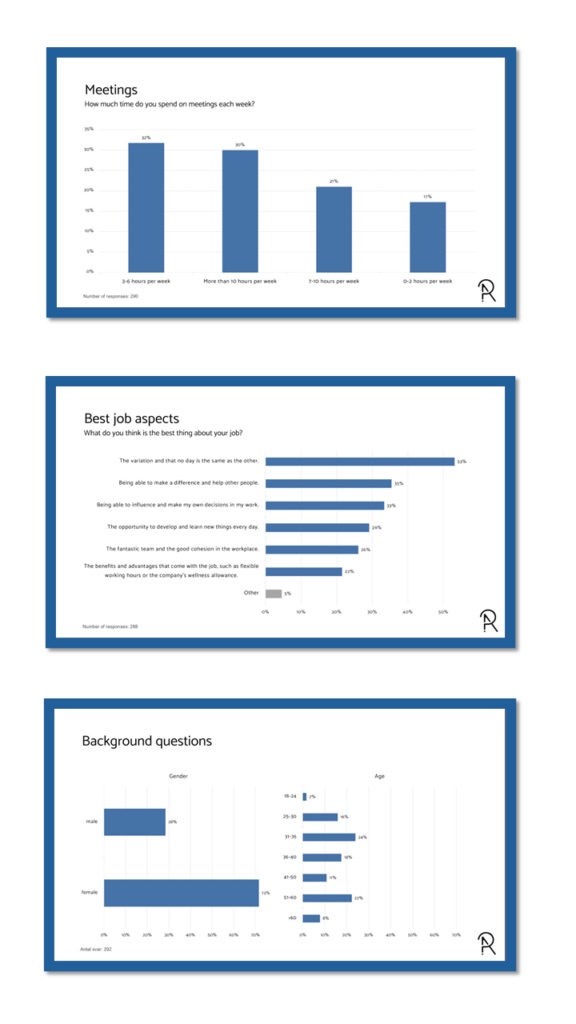
Non-scale questions in bar and column charts are sorted.
- Sorted descending – Bar and column charts are always sorted by percentage, highest first…
- …except “don’t know” / “other” – which always come last, regardless of percentage, and are coloured grey…
- …and background variables – Background variables like age or gender are not sorted.
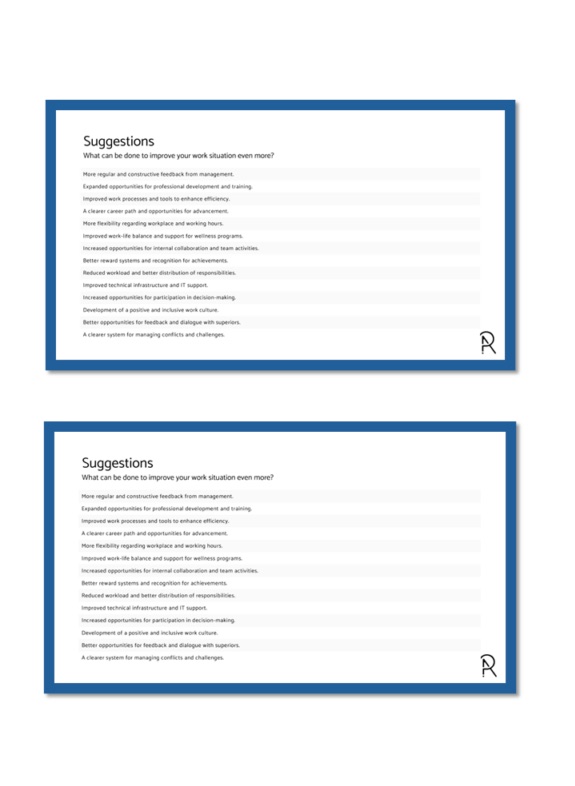
Verbatim / open-ends
Verbatim / open-ends
Comments on your open-ended questions are included in the PowerPoint report, presented in one of two ways depending on the amount of data.
- Presented as is… – If the verbatims fit on at most three PowerPoint pages, they are shown comment by comment, sorted by length.
- …or analysed by AI – With more than that, OpenAI analyses them and writes a short description with some example quotes.
Automate your PowerPoint reports
Get this report from your own data
This is how you can try the platform:
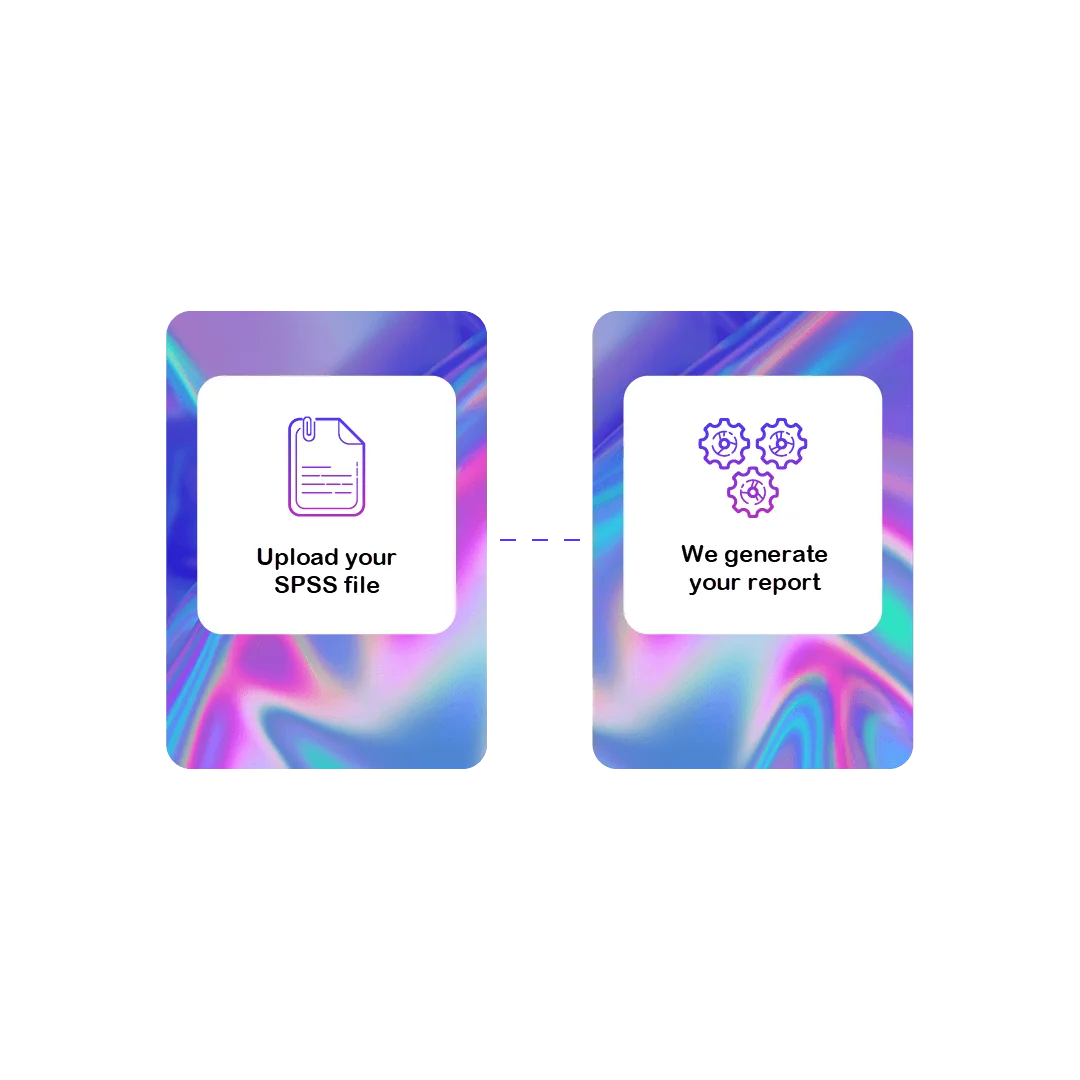
1 File
Upload your data
Contact us to receive your login, where you can securely upload your SPSS data file (.sav).

2 Preview your report
Web meeting
We produce a report from your data set and present it to you in a web meeting. No costs apply.
Want to download the report? Get a license to the Survey Automator platform!

3 License
Platform pricing
Pricing for the “reporting-only” platform starts from:
250 € / month
- 20,000 data rows/ year
- Unlimited number of projects
- 1 user

4 Download
Download your reports
You get access to the platform and can create new reports whenever you like:
- Change or shorten question texts
- Upload new data sets
- Select new breakdown variables
- Update your reports

Want to know more before deciding?
Get a free preview of this report from your own data set, or ask us anything.